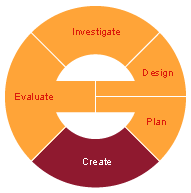
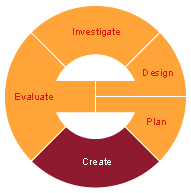
Today we will start working on
Create stage. Please visit the
G9 Due dates webpage to plan your time wisely.
For this stage it is super important to look into these:
- dated journal entries including Visual Evidence (designs, sketches, screen shots, pictures, etc that show how the steps you took to create the product)
- notes regarding any changes made to your bridge design: e.g. added a step, changed the order of tasks, changed the tools, used another resource, didn't need a resource, didn't finish what was planned etc.
- how did the group work? Did you have any issues? How did you overcome them, if any?
2. Explain what
tools and
techniques you used to build your bridge
3. How was your time management: Have you followed your timeline? How? Did you need to add more tasks? Did you have to skip/delete tasks? Did you need a different resource? etc...
4. Have you made any changes to your bridge design? Why? How?